
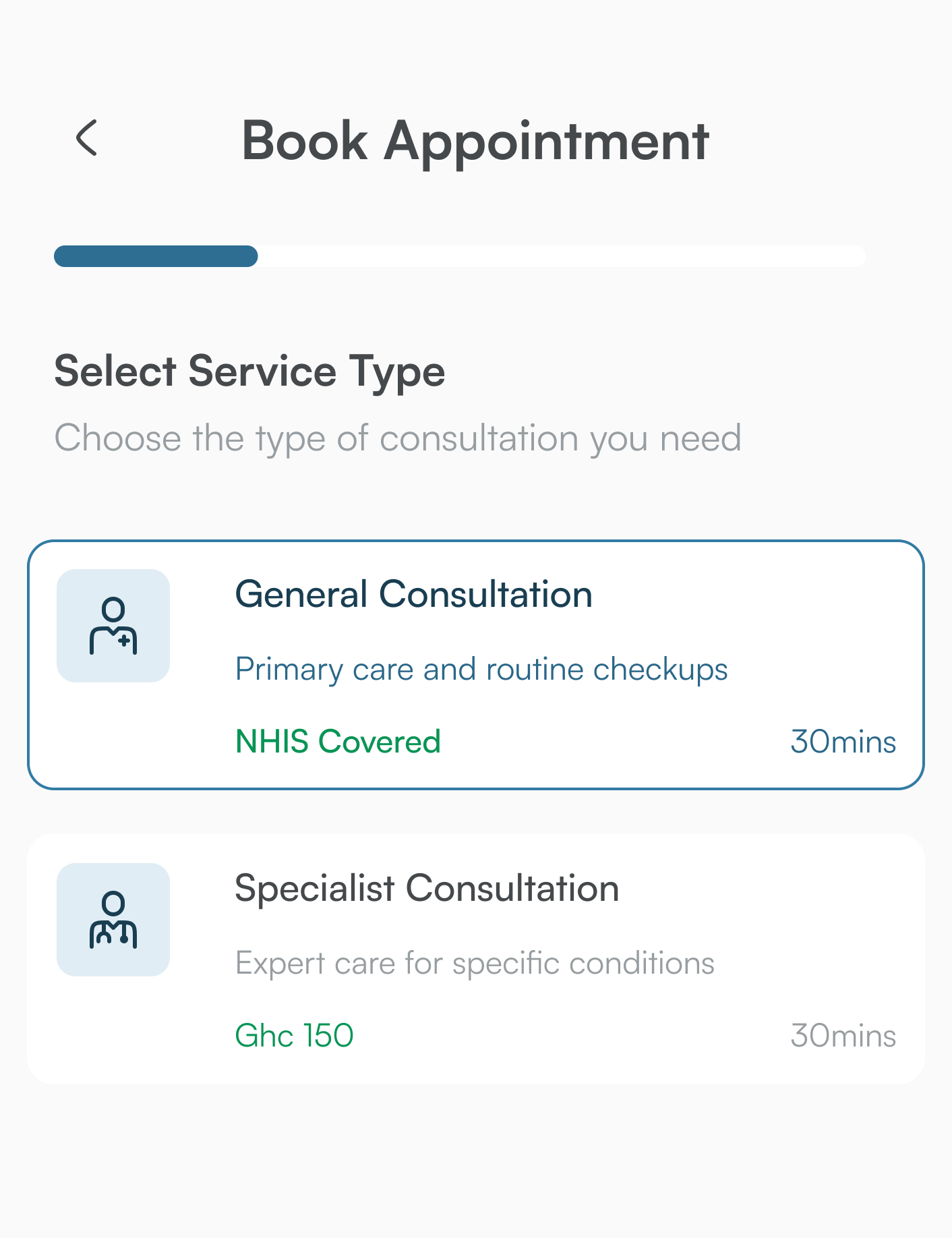
Long queues and uncertain waiting times are one of the biggest frustrations in day-to-day healthcare. DigCare lets you book an appointment with a doctor on your phone instead.
The basic flow#
- Sign in to your DigCare profile.
- Choose the doctor or facility you would like to see.
- Pick a time that suits you and confirm your booking.
Stay informed#
DigCare sends push notifications about your appointments, so you are reminded and kept up to date. You can opt out of push notifications in the app settings at any time; essential security alerts may still appear in-app.
Your history stays with you#
Your appointment and consultation history is part of your health profile, so you and your care team can see the full picture over time.
The screens may look slightly different as the app evolves, but the idea stays the same: less waiting, more care.

Comments
2Can I choose a specific doctor, or only a clinic? My family doctor works at a small clinic in Tamale.
The Monday morning queue at my local polyclinic is something else. I hope this really cuts it down.