
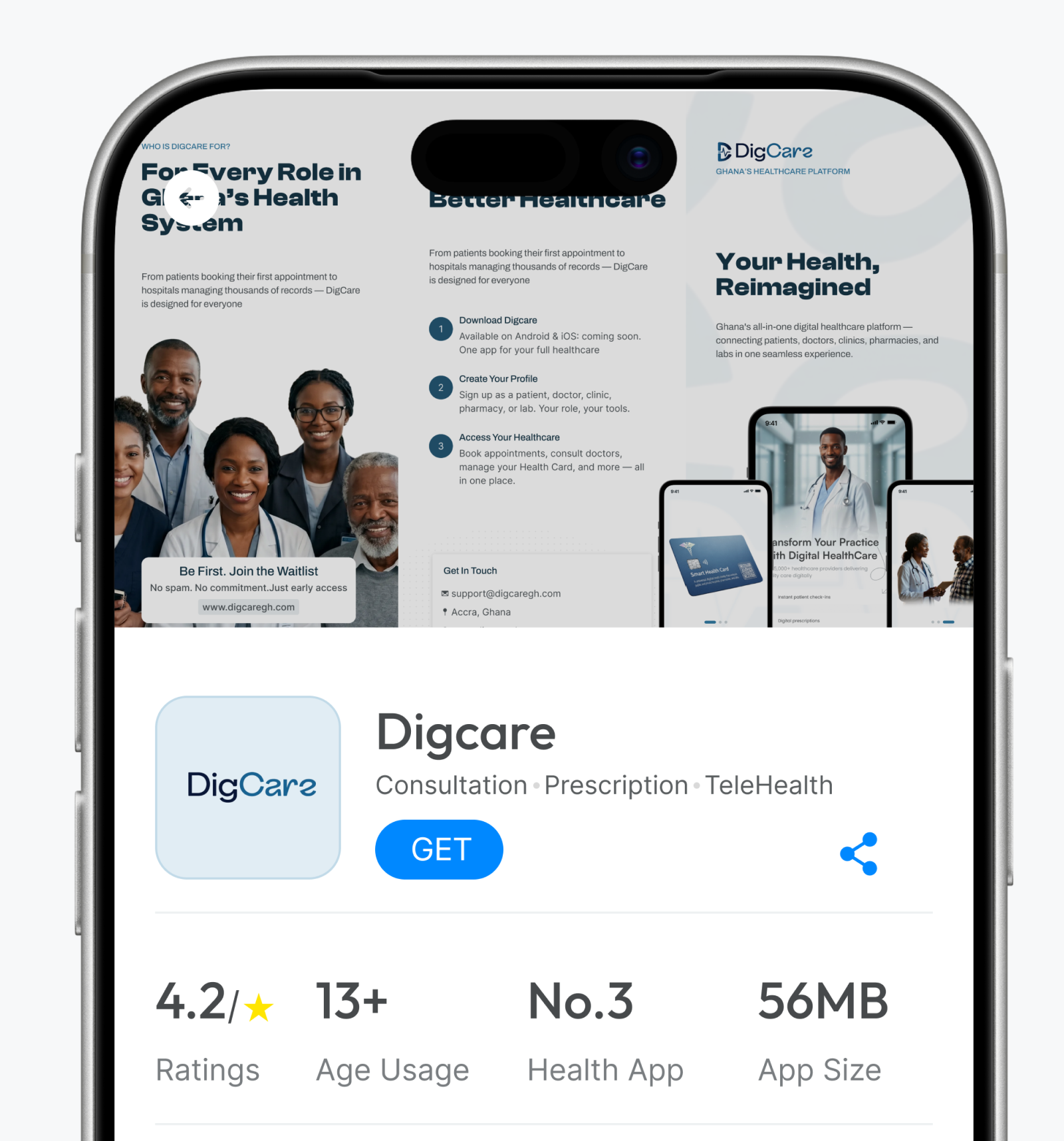
DigCare puts quality healthcare in your pocket. Getting set up takes three steps.
Step 1: Download DigCare#
DigCare is built for iOS and Android and works with your existing NHIS number, so there is no extra paperwork.
Step 2: Create your profile#
Sign up as a patient, doctor, pharmacist, lab technician or hospital manager. Your role shapes what you see in the app. Patients also receive a Health Card at sign-up.
Step 3: Access your healthcare#
Book appointments, consult doctors, manage your Health Card and more, all in one place.


Comments
1I signed up on the website last week. Will I get an email when the app is ready?