
FOR PATIENTS · APPOINTMENTS
Book care in seconds, not phone calls.
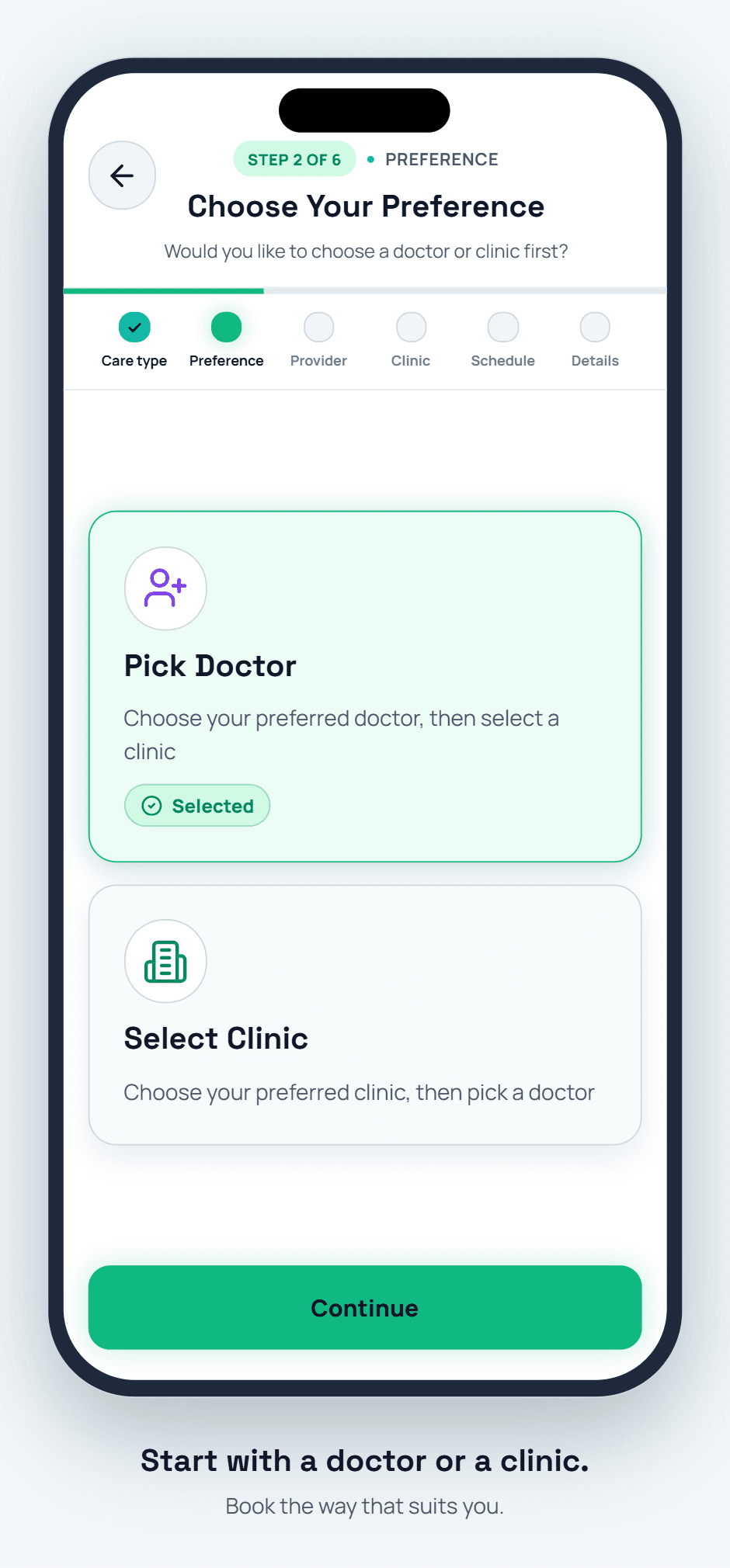
Find a facility, pick a doctor, choose in-person or video, and confirm — six quick steps in one app, with reminders that keep you from missing it.
< 60 sec
Avg. time to book
In-person & Teleconsult
Appointment types
24h + 1h before
Reminder window
CAPABILITIES
What you can do with Appointments.
Facility & doctor search
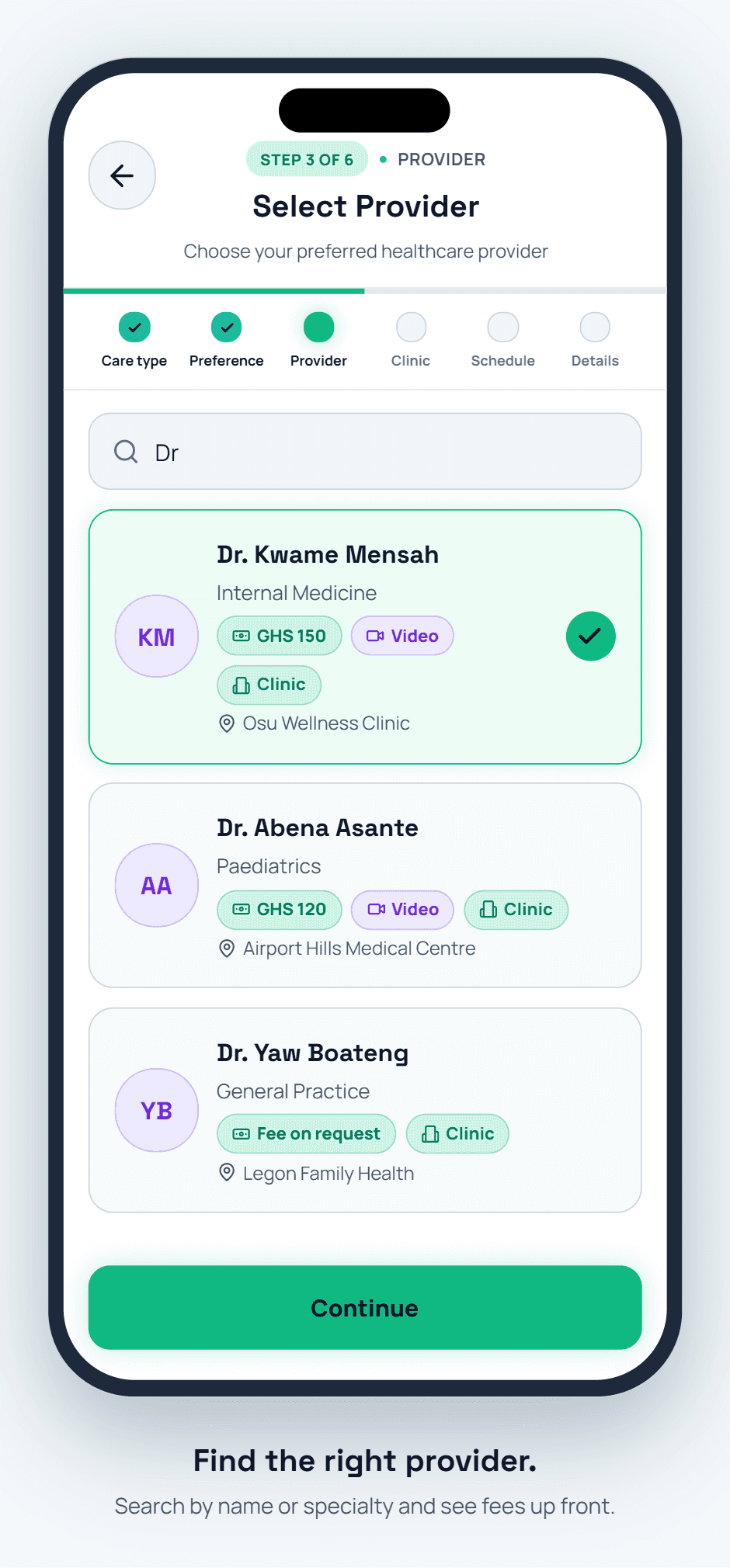
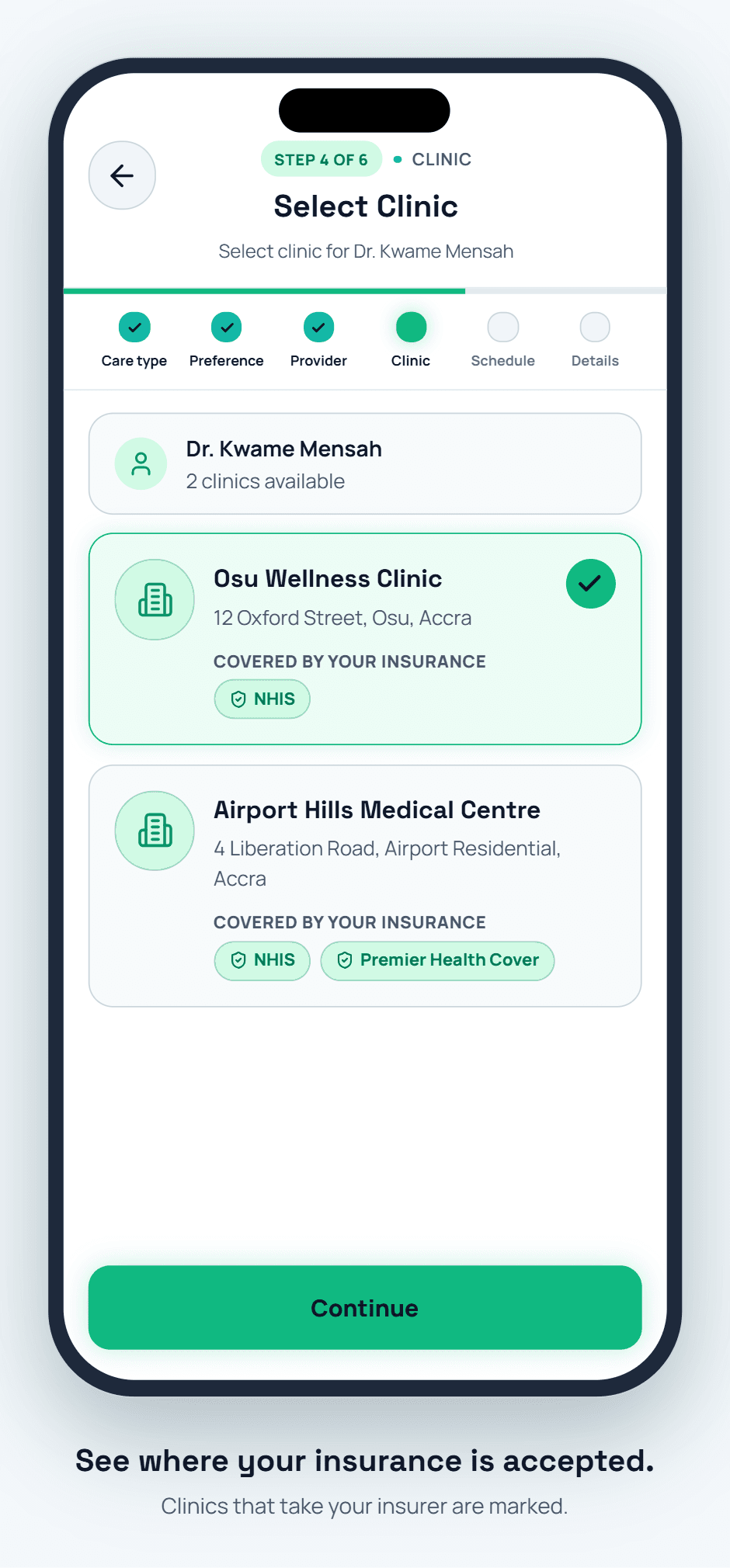
Search by facility, specialty, or doctor name, and filter by distance, availability, or your insurance network.
In-person or teleconsult
Choose a physical visit or a secure video consultation — join the call directly from the app when it's time.
Live availability
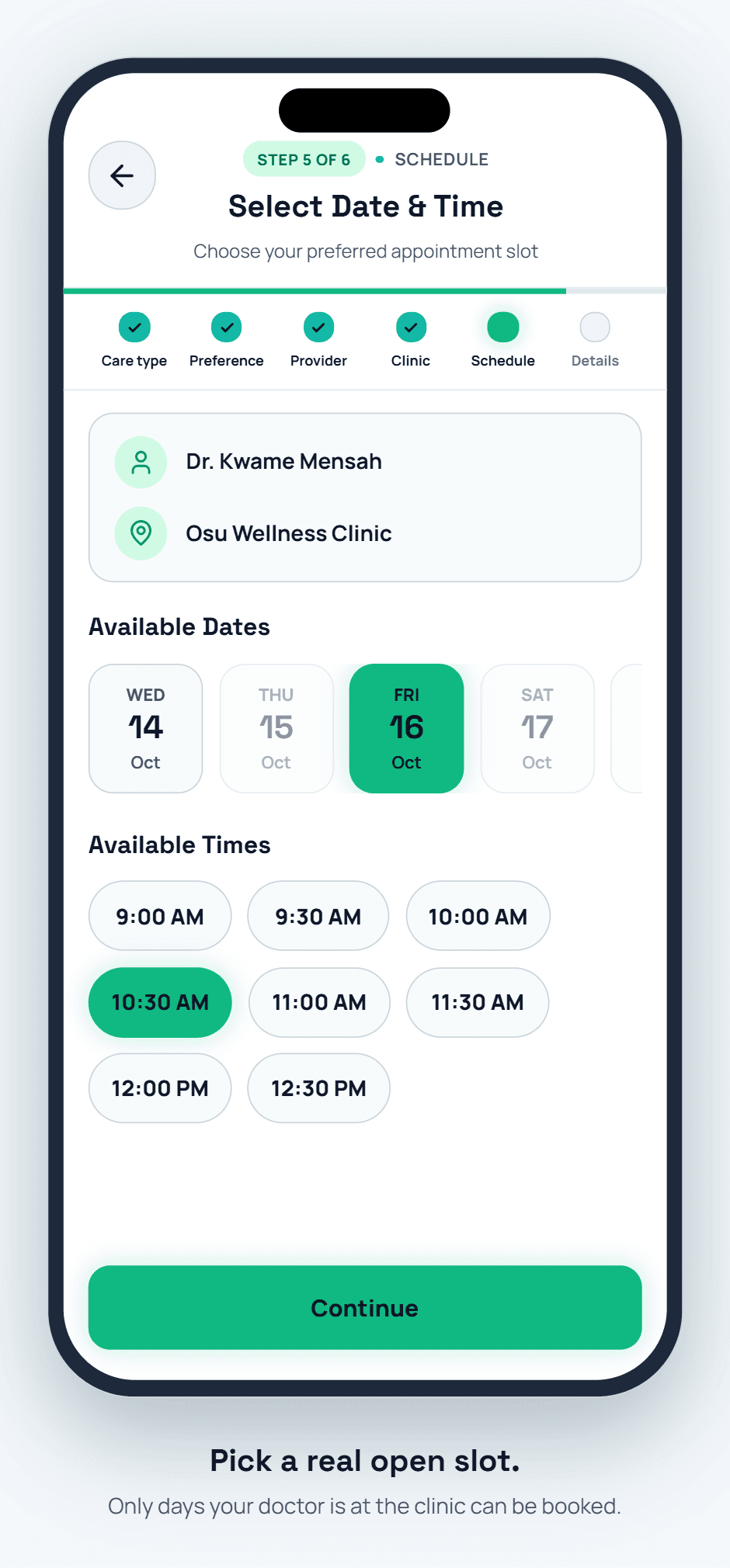
See real open slots as doctors update their schedules, instead of guessing and waiting for a callback.
Reschedule & cancel
Move or cancel a booking yourself, within the facility's policy window, without calling the front desk.
Confirmations & reminders
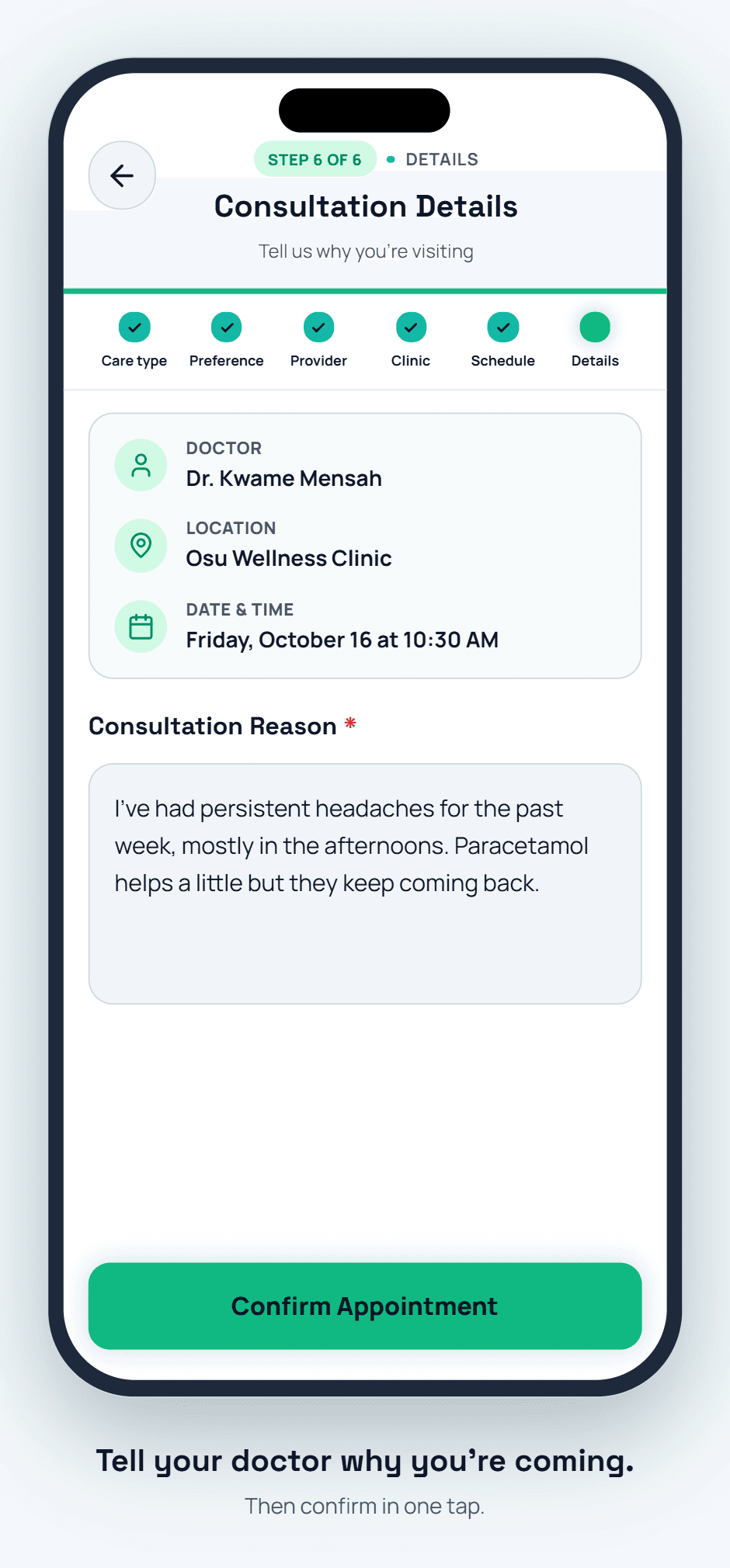
Get an instant booking confirmation, then push reminders 24 hours and 1 hour before your visit.
Visit history
Every past appointment — attended, missed, or cancelled — stays on your timeline for future reference.
HOW IT WORKS
Book an appointment in six simple steps.
This is the real booking flow in the DigCare app — from choosing how you want to be seen to confirming your visit.
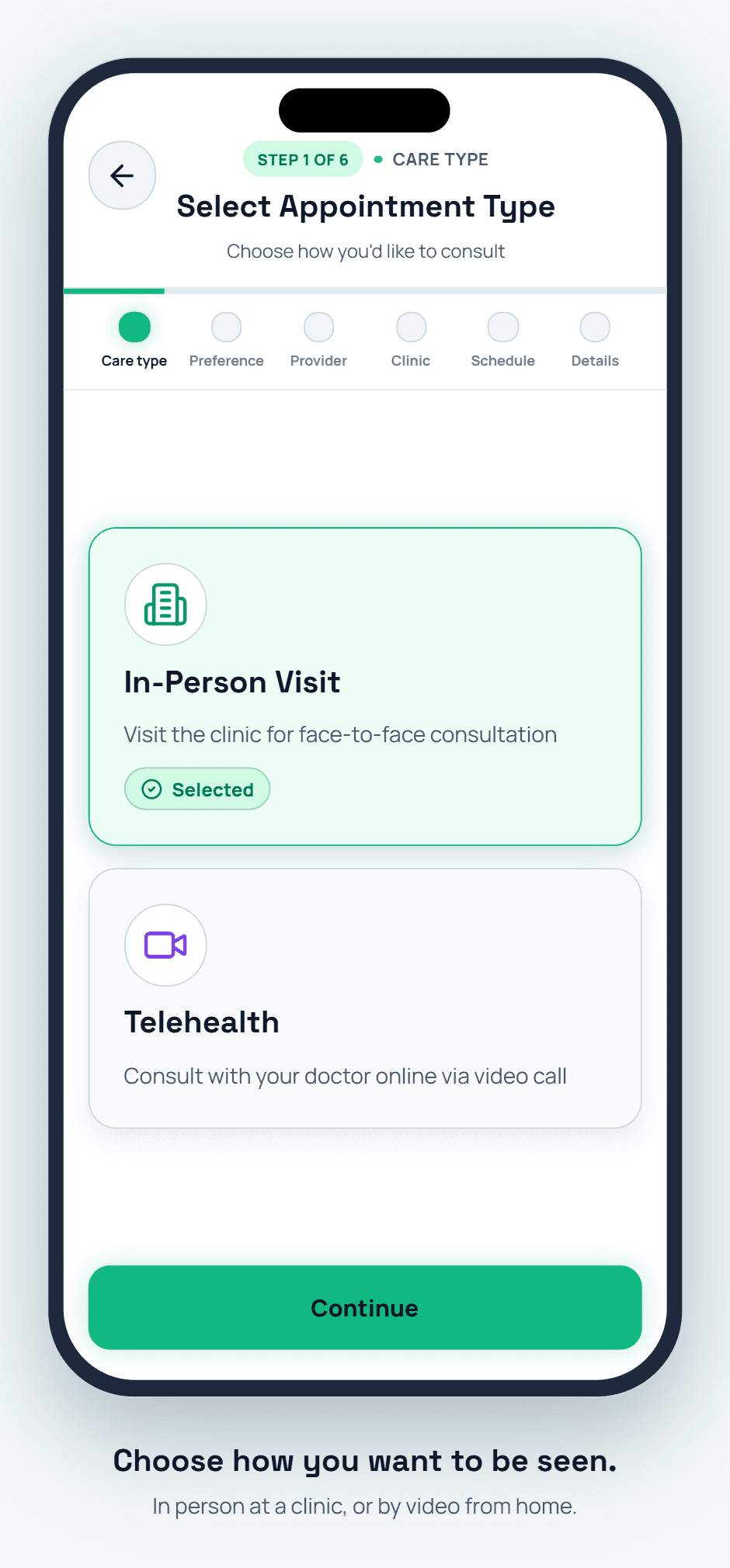
Step 1 of 6 · Care type
Choose how you want to be seen.
Pick an in-person visit at a clinic, or a telehealth video consultation from wherever you are.
GOOD TO KNOW
Cancellation windows are set by each facility — cancelling too close to the visit may still count as a missed appointment.
Teleconsults use the same encrypted video session for every provider on DigCare — no third-party app required.
No-shows are tracked on your profile only for your own reference — they are never shared with other facilities.
Frequently asked questions.
Yes — if you manage a dependent profile (such as a child), you can book, reschedule, and attend teleconsults on their behalf from your own account.